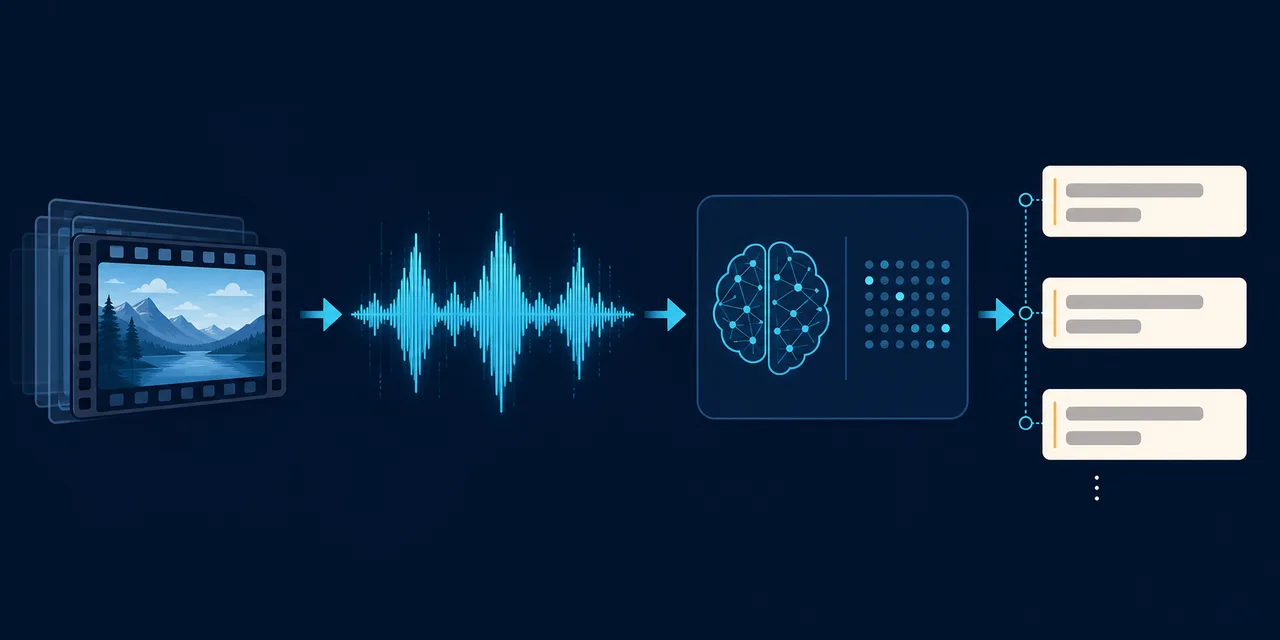
A Notebook Workflow for Whisper Subtitles
whisper_subtitle is a Jupyter Notebook workflow based on the original OpenAI Whisper Python package. It documents the earlier local transcription path in this repository collection and credits the AudioToText project it was built from.
The documented Windows environment uses Python 3.12 through uv, FFmpeg on PATH, and a hardware-appropriate PyTorch build:
uv venv --python 3.12
.venv\Scripts\activate
uv pip install -r requirements.txt
uv pip install ipykernel
The repository explicitly notes that original Whisper is slower than whisper.cpp or faster-whisper. Its own newer path is ExplicitUtil, which uses whisper.cpp and asynchronous processing. Start there for a maintained batch CLI; use this notebook when reproducing or studying the older Python pipeline.
GPU installation commands are device- and driver-specific. Do not copy a CUDA-index URL blindly: select the PyTorch build that matches the local platform, then verify inference on a short audio sample before opening a large video collection.
Visit the whisper_subtitle repository for the notebook, dependencies, and historical workflow.