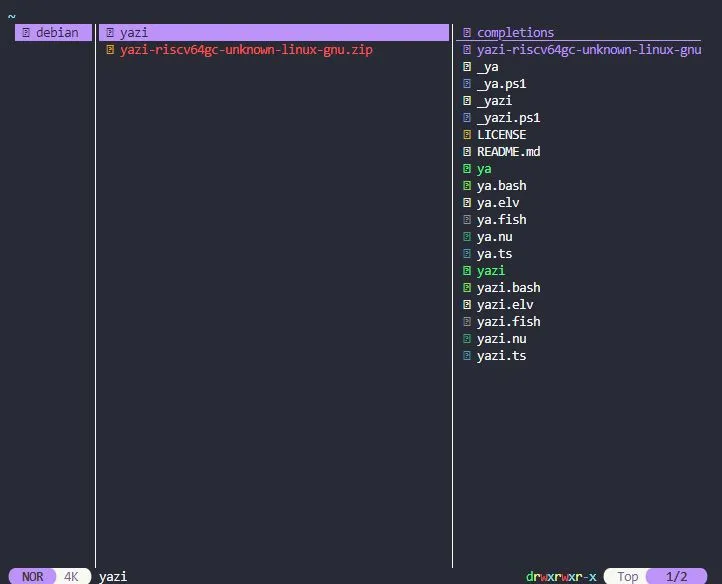
Use Yazi on Milk-V Duo 256M
Yazi is a super fast CLI file explorer written in Rust. This guide walks you through running Yazi on the Milk-V Duo 256M, a tiny RISC-V board.
Steps
- Update Repository
sudo apt update - Install Prerequisites
sudo apt install ffmpeg 7zip jq poppler-utils fd-find ripgrep fzf zoxide imagemagick wget - Download Yazi from GitHub Releases
Currently, there is no package available for Debian/Ubuntu.cd /home/debian/ wget https://github.com/sxyazi/yazi/releases/download/v25.3.2/yazi-riscv64gc-unknown-linux-gnu.zip - Extract the Archive
7z e /home/debian/yazi-riscv64gc-unknown-linux-gnu.zip -o/home/debian/yazi - Copy the Binaries to
/usr/local/bindebian@duo256:/usr/local/bin$ sudo cp /home/debian/yazi /usr/local/bin debian@duo256:/usr/local/bin$ sudo cp /home/debian/ya /usr/local/bin - Run Yazi
yazi
For more detailed documentation, visit the Yazi Quick Start Guide.
/articles/yazi.webp