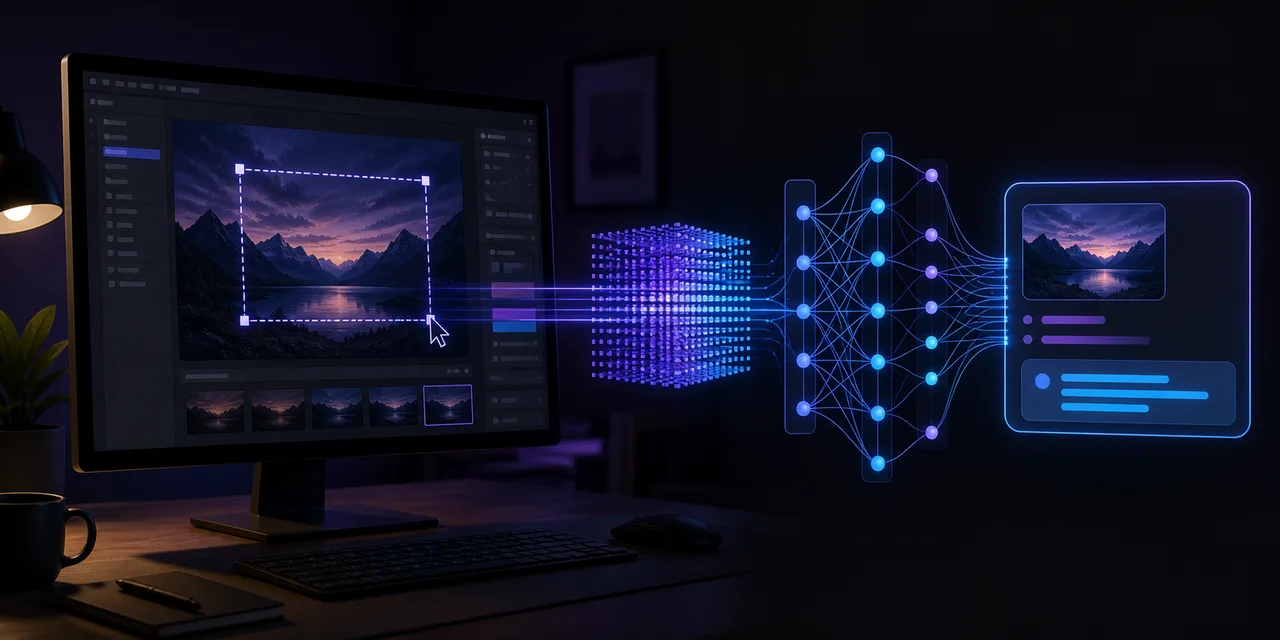
Introducing ScreenGPT
ScreenGPT is a Python desktop utility that captures the current screen on demand and asks an OpenAI-compatible vision-language model to interpret it. System prompts, user prompts, API settings, and the global hotkey are configurable through a GUI and saved locally in config.ini.
Run from source
git clone https://github.com/Alchemist-Aloha/screengpt.git
cd screengpt
uv venv
uv pip install -e .
python -m screengpt
Enter a compatible API key, review the endpoint and model, edit the prompts for the task, and apply the settings. The default hotkey is Ctrl+Alt+E; pressing it captures a screenshot and displays the model response both on screen and in the terminal.
The repository's documented default points to an OpenRouter model that may change or disappear, so treat the URL and model ID as examples and verify them before use. More importantly, every capture may contain private messages, credentials, documents, or personal images. The selected API receives the screenshot, so choose a provider and prompt workflow appropriate for the data visible on your display.
ScreenGPT is intentionally general. A game copilot, visual explainer, accessibility aid, or debugging assistant can all be expressed by changing prompts rather than adding a new capture application.
Visit the ScreenGPT repository for the current source and Windows build.