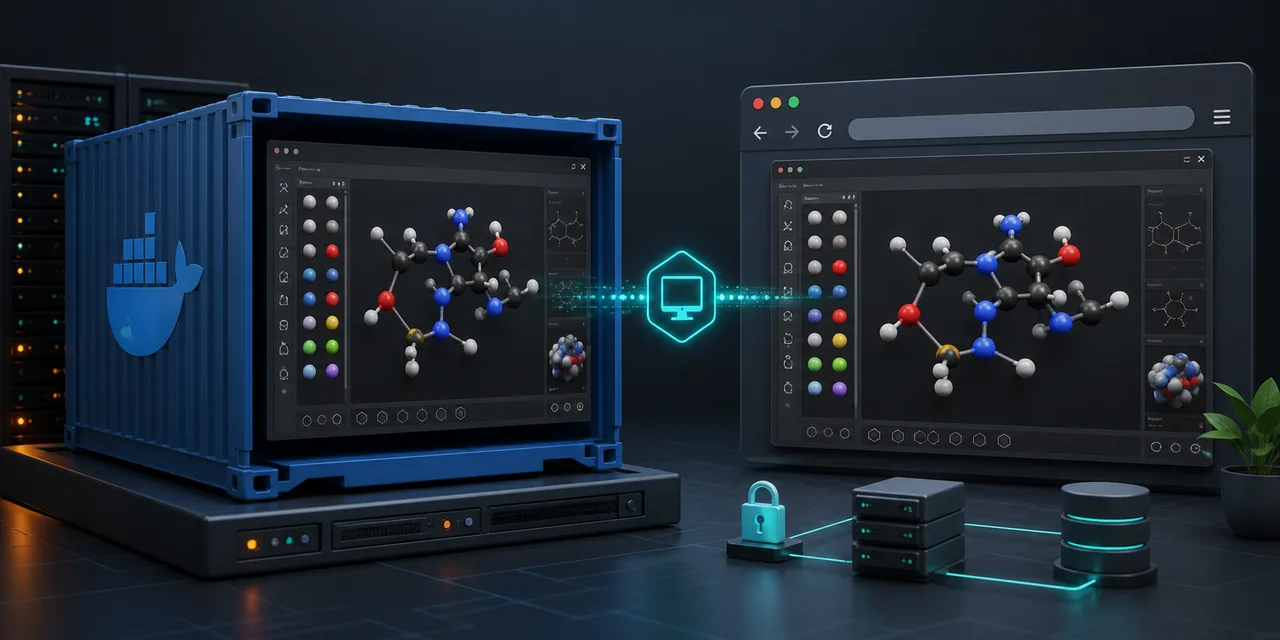
Introducing Avogadro Browser
Avogadro Browser packages the legacy Avogadro 1.2 molecular editor inside a Docker container and exposes its desktop through a browser-accessible VNC session. It is a practical way to keep an older scientific application available on a server, workstation, or home lab without installing its full graphical stack on every client.
The repository publishes three container variants: a CPU image for software rendering, a Mesa image for Intel and AMD graphics, and an NVIDIA image for hosts configured with nvidia-container-toolkit. Every variant serves the browser interface on port 6080.
Start the CPU image
docker run -d \
  -p 6080:6080 \
  -v "$(pwd)/molecules:/root/molecules" \
  ghcr.io/alchemist-aloha/avogadro-browser:cpu
Open http://localhost:6080/ and the browser should connect to the Avogadro desktop automatically. The bind mount is important: files saved under /root/molecules remain in the host's molecules directory after the container is replaced.
For Intel or AMD rendering, use the gpu image and pass /dev/dri. For NVIDIA, use the nvidia image with --gpus all and NVIDIA_VISIBLE_DEVICES=all. Avogadro preferences can also be preserved by mounting the matching directory under /root/.config.
Avogadro Browser is deliberately narrow. It does not replace a modern molecular-modeling platform; it makes one established desktop tool easy to reach and easy to contain.
Visit the Avogadro Browser repository for the current images and Compose configuration.